
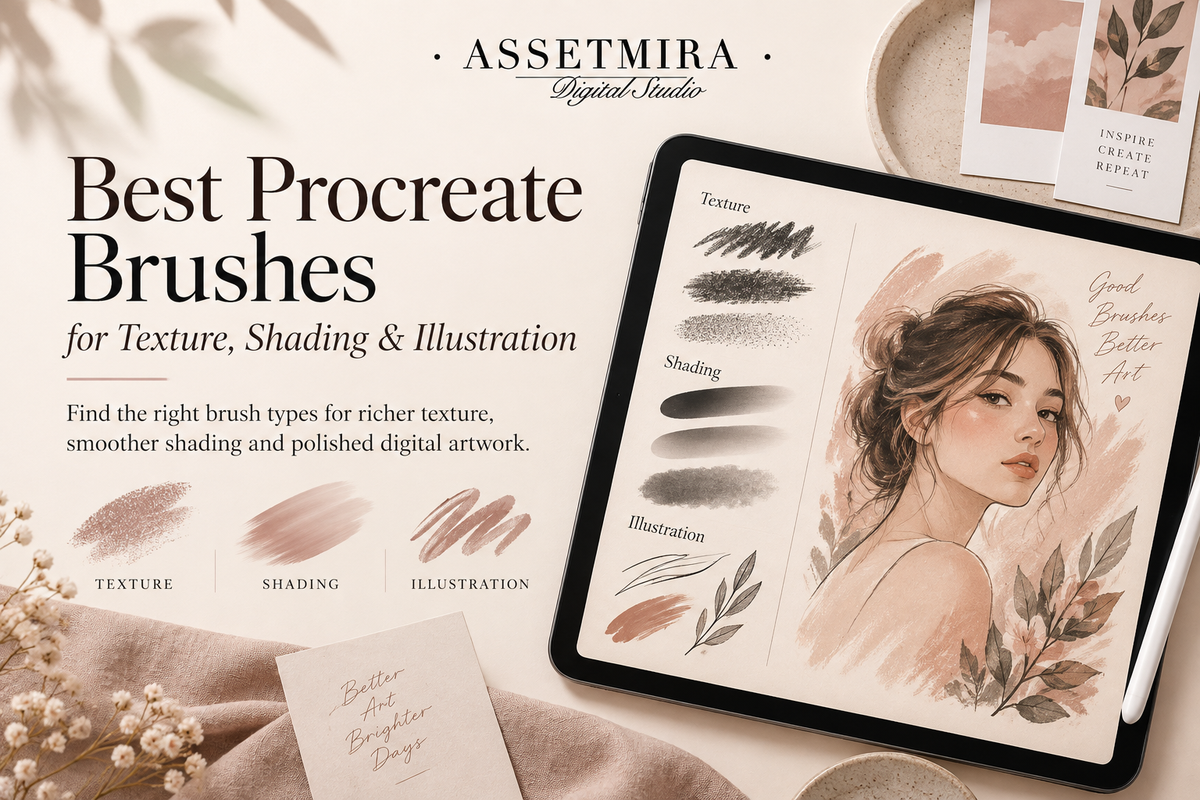
The best Procreate brush is not necessarily the brush with the most dramatic preview. It is the one that solves a specific visual problem in your artwork. Texture, shading, stamps and detail brushes each speed up a different part of the illustration process, so choosing by function creates a more useful library.
Start with the effect you need
Before browsing brush packs, ask what part of your current workflow feels slow. Do you need grain in flat areas? Softer shading? Repeating jewelry details? Organic foliage? Fabric texture? Clean line work? Once the problem is clear, evaluating brushes becomes much easier.
Texture brushes
Texture brushes can add grain, paper-like variation, fabric effects, distressed marks or other surface character to otherwise flat artwork. They are especially useful when a clean digital fill looks too uniform. Apply texture intentionally and keep enough contrast for the main subject to remain readable.
Shading brushes
Shading brushes help build form, depth and atmosphere. Depending on the brush, they can create soft transitions, grainy shadows or more painterly edges. A useful workflow is to establish large light and shadow shapes first, then add texture after the form is already working.
Stamp brushes for repetitive details
Stamp brushes can save time on shapes that would otherwise be redrawn repeatedly. Examples include decorative motifs, chains, stars, leaves, ornaments and small accents. They work best as building blocks rather than a substitute for composition: scale, rotate, recolor and combine them so the result fits your illustration.
Detail brushes for faster illustration
Specialized brushes can speed up hair strands, textile marks, jewelry, foliage, clouds, sparkle effects or other recurring details. When a project requires the same visual language across many elements, a consistent brush can also help unify the artwork.
Build a small core set before collecting more
A practical core library might include one reliable sketch or ink brush, a soft shading option, a textured shading option, a few favorite surface brushes and the specialized stamps relevant to your niche. Learn these first. Adding dozens of similar brushes before understanding them can make the Brush Library slower to navigate.
Test a brush in four ways
- Try a slow stroke and a fast stroke.
- Test small, medium and large brush sizes.
- Compare light and heavy stylus pressure when the brush responds to pressure.
- Use the brush on both a simple shape and a real illustration detail.
This quickly shows whether a brush is suited to line work, broad fills, shading or decorative stamping.
Use layers to keep effects editable
When practical, place textures and decorative details on separate layers so you can adjust opacity, masking, blending and placement later. A fast brush workflow should make revision easier, not lock the artwork too early.
Choose brushes by project type
- Fashion and character art: fabric, jewelry, chain, hair and accessory details can be useful.
- Painterly illustration: shading, grain, canvas and organic edge brushes can add depth.
- Graphic illustration: controlled texture and stamp brushes can add variation without losing clean shapes.
- Lettering: ink, texture and decorative brushes can support style while keeping the letterforms readable.
Explore Procreate resources at AssetMira. If you already have a brush pack but are unsure how to add it, follow our Procreate brush installation guide.
Frequently asked questions
How many Procreate brushes do I need?
There is no ideal number. A smaller library you understand can be more useful than a large collection you cannot navigate.
Are stamp brushes the same as texture brushes?
Not necessarily. Stamp brushes are usually focused on placing a shape or motif, while texture brushes are designed to build surface variation. Some brush sets can combine characteristics of both.
How do I keep custom brushes organized?
Group them by practical function, keep clear set names, and archive the original downloads outside Procreate. Our digital asset organization guide covers a broader system.


Comments
0 published · New comments are reviewed before appearingJoin the conversation
Your comment will be reviewed before it appears publicly.